Skip to content
qwello app
Qwello
4.8 ★
Download
Qwello Stockholm by Daniel Gola (Webformat) (139 of 188)

Easy charging with Qwello

Public charging near you

Qwello Stockholm by Daniel Gola (Webformat) (130 of 188)

Why choose a public charging station from Qwello?

Icon
Get Started Right Away

Download the app and sign up, and we'll start the process of creating your account right away.

Icon(1)
Easy Payment

Contactless payment directly with a card, using your phone, in the app, or through our partners.

Icon(2)
Personalized Service

Questions or problems? Our customer service team is here to help you get back on track quickly, 24 hours a day.

Icon(3)
Sustainability First

You always charge using 100% renewable energy from GodEl at transparent prices.

Find Your Station

How to Navigate Using the Qwello App

Download and use the app to get started.

Destination-Based Search

Tell us where you're going, and we'll find the best station for you.

Qwello Stockholm by Daniel Gola (Web Format) (17 of 188)

Real-Time Availability

Full visibility of all vacant and available stations.

Qwello Stockholm by Daniel Gola (Web Format) (162 of 188)

Customize Your Favorites

Save and customize your favorite stations so you can find them faster.
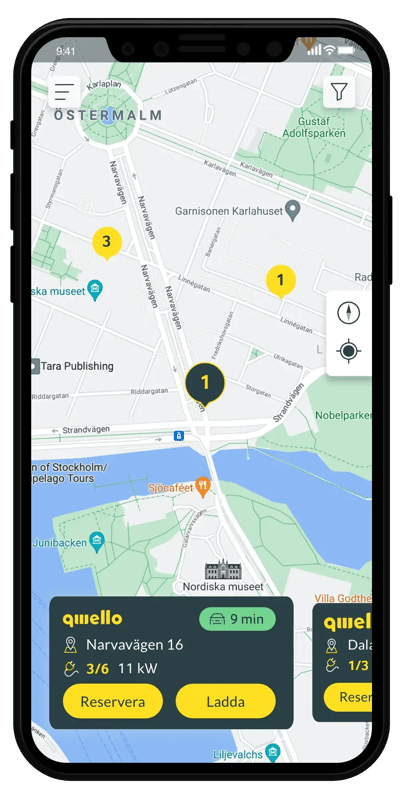
Reserve Your Station

Reserve your Qwello station for 15 minutes through the app when you're 15 mins away.

Navigate to Your Station

Get started with mobile navigation to your station with just one click.

Qwello Stockholm by Daniel Gola (Web Format) (38 of 188)
Qwello Stockholm by Daniel Gola (Web Format) (26 of 188)
Qwello Stockholm by Daniel Gola (Web Format) (131 of 186).jpg.

Top up even more easily with a Qwello card

The card is free, offers you benefits, and makes it even easier for you to keep track of your usage.
Charging station guide

When you arrive at your Qwello station

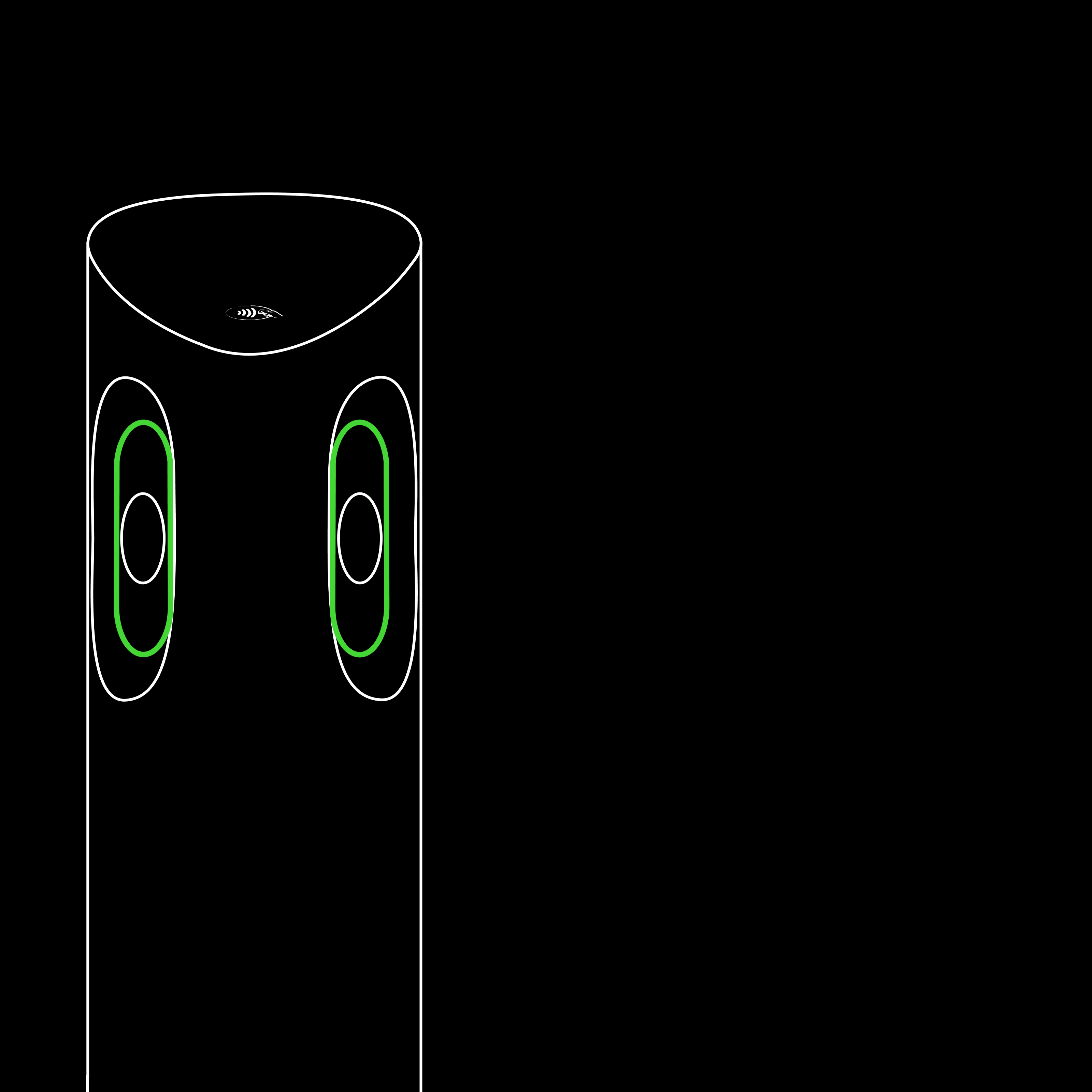
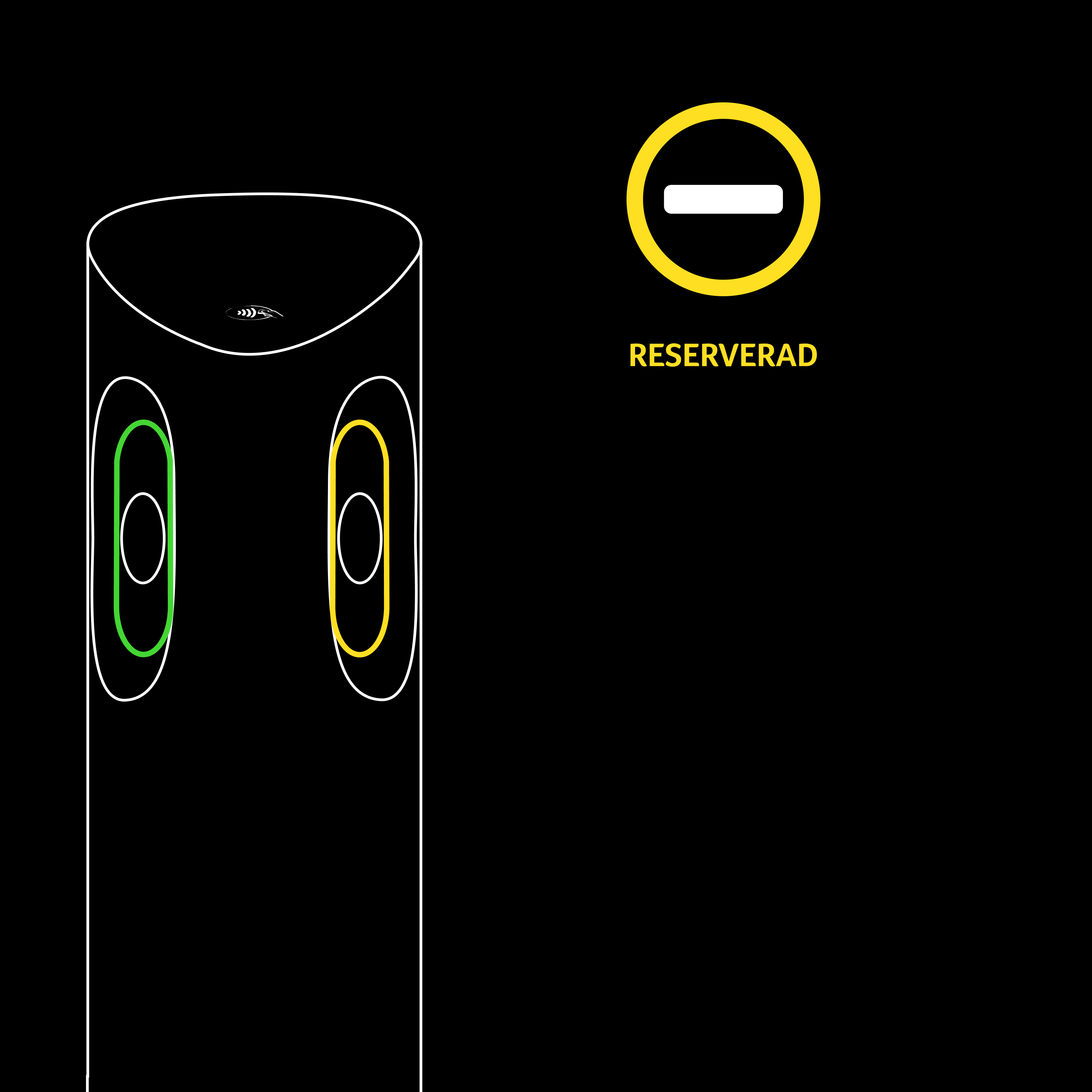
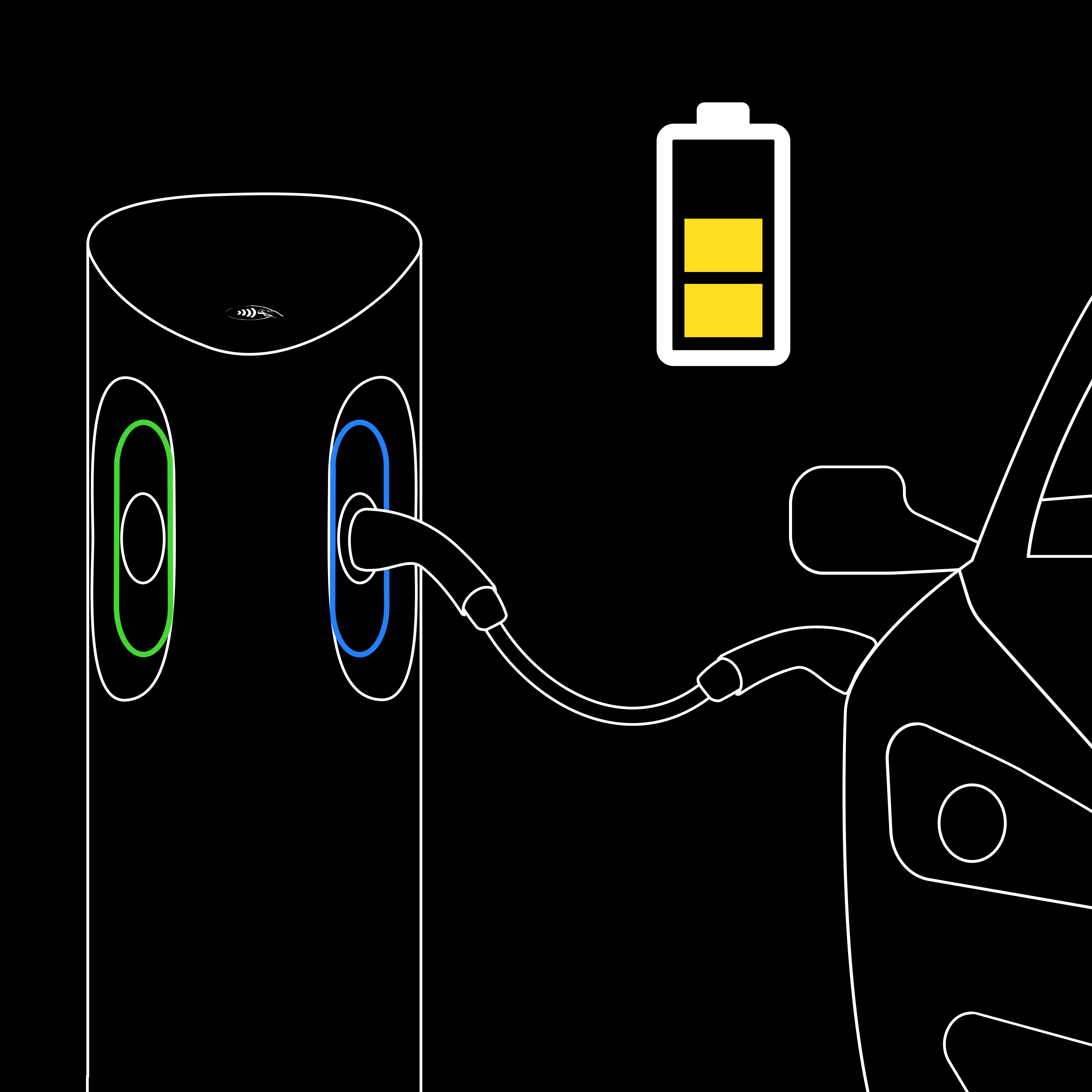
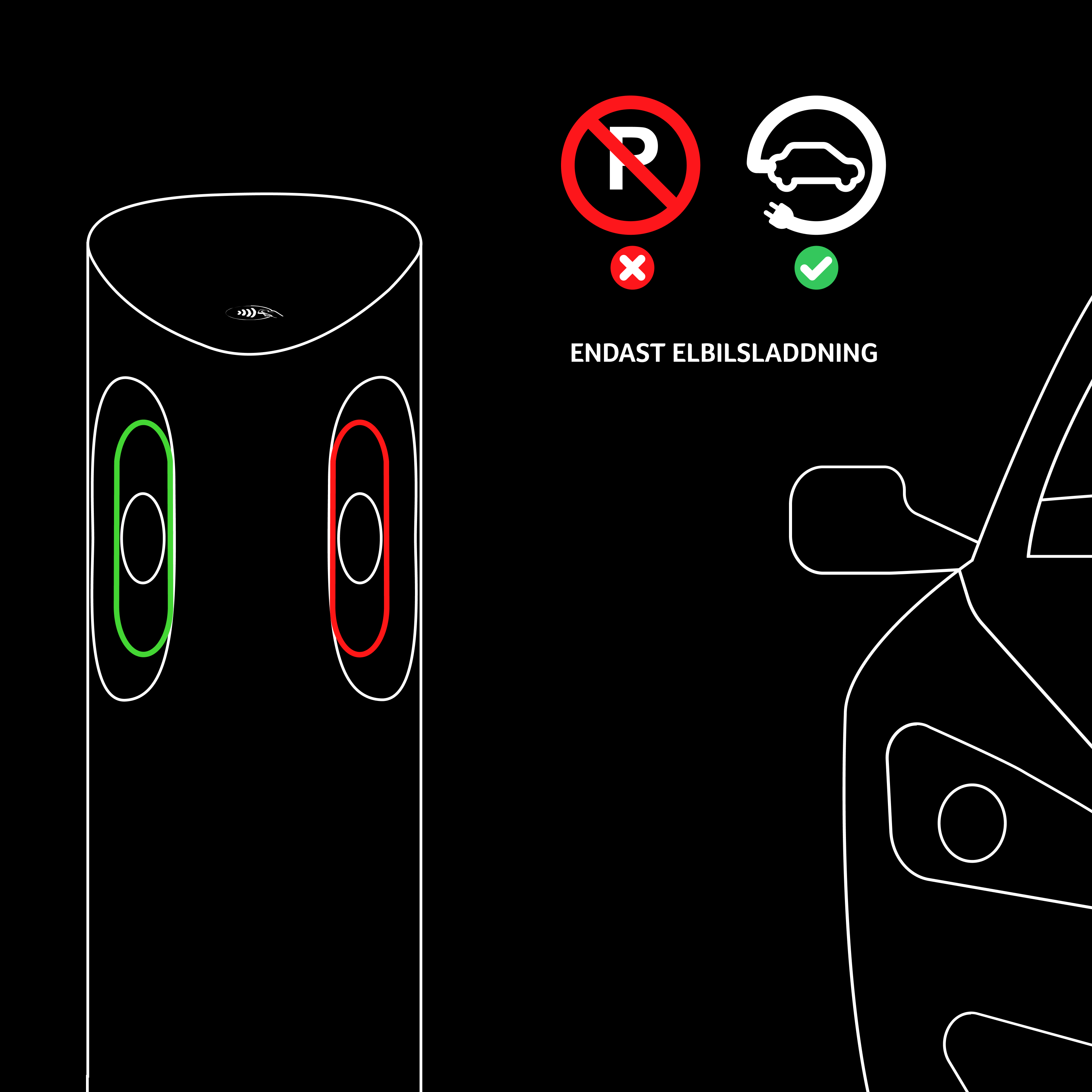
The light on the charging point shows its current status. Choose an available charging point, plug in your car and start charging using the Qwello app, contactless payment or a charging card.
available reserved-1 charging-3 unavailable-1
Add status images to the module to show the charging session.

Green light means the charging point is available and ready to use.

app-1

The Qwello app

Use the payment method linked to your account. Open the station in the app and tap “Charge” in the station pop-up to start charging.
Map

Discover all of our charging stations

You can also easily find all of our stations in the app and check availability in real time.
FAQ

Frequently Asked Questions About Home Charging

Need help getting started? Visit our support page or contact customer service 24/7.

How do I start a charging session? As a registered customer, you can verify your identity through the app by clicking the "Charge" button on your selected Qwello charging station. If you want to charge without the app, you must verify your identity using any contactless payment method. As soon as the light ring around the charging port (and the plug, if you’re using the integrated charging cable) starts to glow, you can connect your car with the selected charging cable and start charging.
How do I end a charging session? To end the charging process, you must first unlock your car to release the cable, then unplug it and return it to the station if you are using the integrated cable. If the cable cannot be released from the car, it means that the charging process has not ended. Charging must be stopped from the car’s side first before the cable can be released. How to stop charging may vary depending on the car model, but most commonly, charging stops when you unlock the car.
How do I make a reservation? You can reserve a charging station through the Qwello app for 10 kr. The reservation lasts for 15 minutes and is available as soon as you are within a 15-minute drive of the selected charging station.
Does the parking fee need to be paid separately? The parking fee must be paid separately and is not included in the cost of charging.
How do I pay for my charge? If you pay directly on-site with a debit or credit card, or with Apple Pay or Google Pay, you will be charged immediately. If you charge using the Qwello app, you will be charged within the next day. The receipt for the charging session will be sent to you via email, but you can also download it in the app.
How much does it cost to charge at Qwello? The cost depends on the size of the battery, how quickly the car can charge, and the current battery level. The rate consists of a price per kWh that applies as long as the car is actively charging, as well as a per-minute fee for using the infrastructure that applies as long as the car is connected to the charging station.
Hubspot_NL_B2Cpage_img_04

Would you like to request a charging station?

If you see a suitable location for a public charging station, please feel free to submit a request to us.